Business professionals:
Professional PowerPoint templates built for real-world use. A system to work faster,
stay on-brand, and also work seamlessly with Copilot.
4.7
Trusted by 100+ professionals




The Ultimate Bundle
Get lifetime access to ALL my templates and packs, including every new release. One purchase, unlimited access, forever!

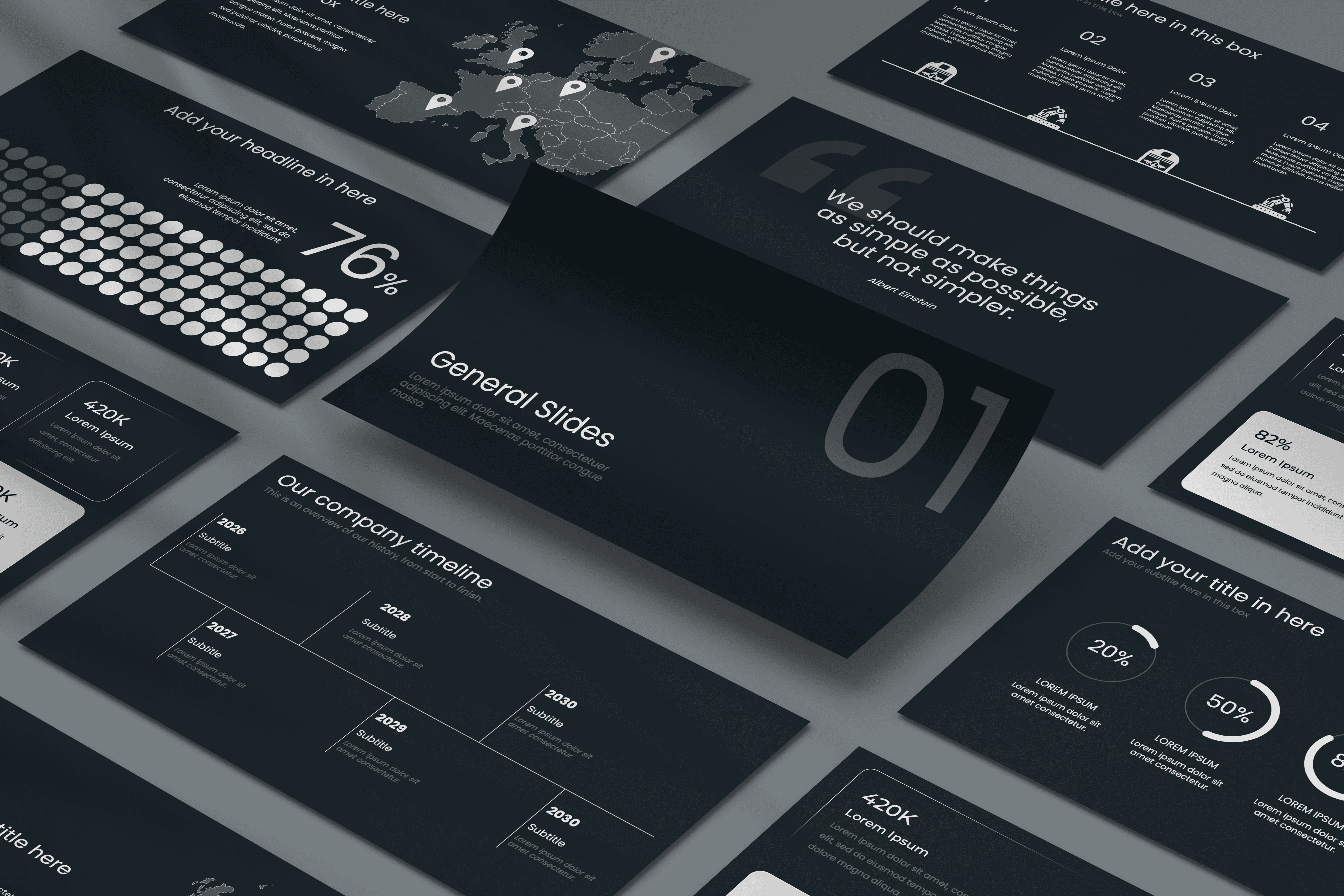
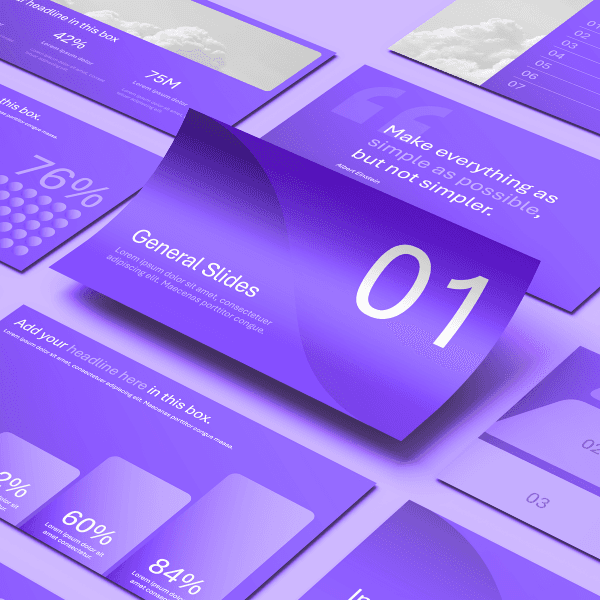
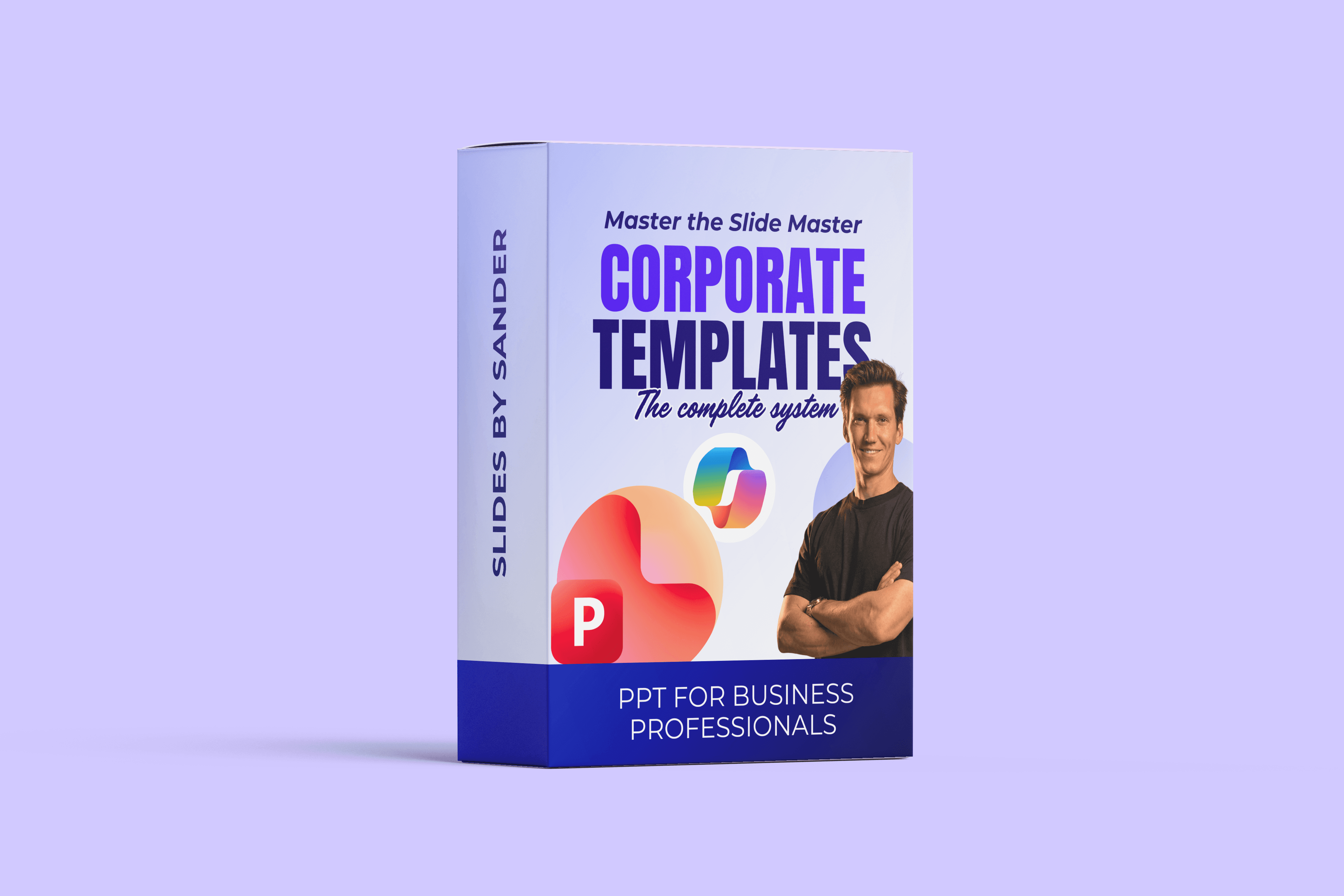
The complete ultimate bundle includes 4 templates, 2 packs to customise every project as desired, and tutorial videos to get the most out of the templates.
From yourself
A great presentation starts before you even open PowerPoint. Know what you want to communicate, structure your message and build a story your audience can easily follow.
From others
A great presentation starts before you even open PowerPoint. Know what you want to communicate, structure your message and build a story your audience can easily follow.

I’ve managed thousands of slides under tight deadlines as a communications manager at a multinational.
Today, I train professionals full-time and am one of only 40 Microsoft PowerPoint MVPs worldwide.
Inconsistent
A great presentation starts before you even open PowerPoint. Know what you want to communicate, structure your message and build a story your audience can easily follow.
Manual effort
A great presentation starts before you even open PowerPoint. Know what you want to communicate, structure your message and build a story your audience can easily follow.
You don't have to put hours into fixing slides.
The right template makes your slides faster to build, easier to maintain, and consistently professional.
BETTER SLIDES START
WITH A BETTER
SYSTEM.
World-Class Templates
Always look for the following items when buying a template:
Slide Master
A great presentation starts before you even open PowerPoint. Know what you want to communicate, structure your message and build a story your audience can easily follow.
Solid Theme
A great presentation starts before you even open PowerPoint. Know what you want to communicate, structure your message and build a story your audience can easily follow.
Slide Layouts
A great presentation starts before you even open PowerPoint. Know what you want to communicate, structure your message and build a story your audience can easily follow.
Light & Dark
A great presentation starts before you even open PowerPoint. Know what you want to communicate, structure your message and build a story your audience can easily follow.
Copilot proof
A great presentation starts before you even open PowerPoint. Know what you want to communicate, structure your message and build a story your audience can easily follow.
Demo Slides
A great presentation starts before you even open PowerPoint. Know what you want to communicate, structure your message and build a story your audience can easily follow.

COPILOT PROOF
Generic AI slides make you loose credibility fast. A solid template gives Copilot the structure it needs to create slides that look & feel like your brand.
Working with Sander has genuinely been a great experience. I originally bought the template because I liked the design, but what really made the difference was the way he supported me after.
He took the time to explain how everything works properly, shared practical tips, and even sent me a personal video walkthrough, which I honestly did not expect at all. That small gesture made the whole process feel very human and collaborative, not just a purchase and goodbye.
The template itself is beautifully designed, clean, flexible, and easy to adapt, and it pushed me to think more clearly about how I present my ideas. I learned a lot just by using it.
You can really tell that Sander cares about his work and about the people using it. I am genuinely glad I came across him, and I would happily recommend both his templates and working with him to anyone.
Marc K.
Founder

I work with PowerPoint daily and teach professionals how to design and structure presentations that actually work.
These templates are built from the same principles I teach in my programs.
Since 2025 I've been a Microsoft PowerPoint MVP, of which there are 40 in the world.