Professional PowerPoint Training
Whether you want to master corporate templates, presentation design, or professional animations, you're in the right place.
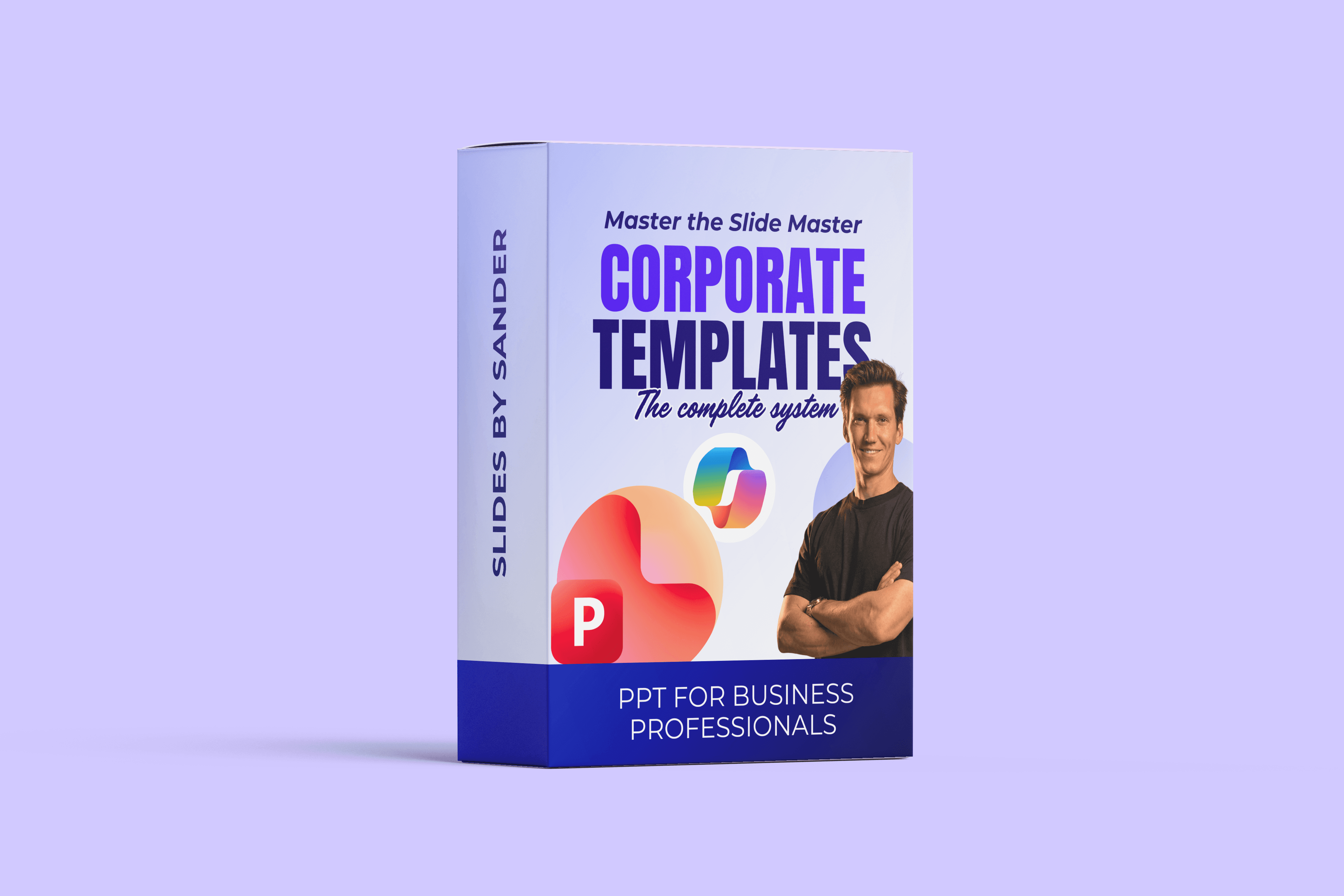
Corporate Templates
€799
Become a PowerPoint template expert. You'll learn how to build professional templates that scale across projects & companies.
Template building system
Let PowerPoint work for you
Access all my templates & packs

Presentation Design
€349
Become a Presentation design expert. You'll master the principles the big companies use to make impactful slides that stand out.
Get a skill for life
Never make a bad slide again
Control what gets attention

Transitions & Animations
€349
Become an expert in Animations & Transitions. You'll learn the techniques succesful presenters use to control attention during a presentation.
Professional use cases
Techniques that steer attention
You control the room

Presentation Skills for Business.
Looking to improve your presentation skills in the professional world?

Presentation Skills for Business
€399
To be a great presenter, you have to get 3 things right: Story, Slides & Delivery
Build a clear message
Make professional slides
Deliver with impact
FREE Ultimate Business Template (worth €189)
Testimonials
What others say about the courses
"As a graphic designer, used to working daily in professional layout programs such as Adobe InDesign, PowerPoint was never my favorite program (to put it mildly😆). However, because PowerPoint is used extensively in the company where I work, I was asked to create a slide master. Taking Sander’s professional course turned out to be a real game changer. The course is very clearly and logically structured, guiding you step by step through the process of building a professional presentation deck that can be used in many different ways."
Katrien S.
Course Member
"I just wanted to say how much I truly love it after having played around. The experience was absolutely incredible… I’m really glad I came across you!"
Marco C.
Course Member
"For me, the content is perfect! Exactly what I've been missing. And it matches perfect to my level."
André R.
Course Member
“It has been a fantastic experience learning through your course so far. I’ve completed around 70% of the content, and I must say I’ve gained a great deal of insight and knowledge already. Thank you for that.”
Chirag M.
Course Member
"Your products are absolutely excellent!"
Larry L.
Course Member
"Thank you so much, Sander, for this incredible Masterclass! As a visual designer, I truly appreciate how you broke down the fundamentals, especially the Slide Master and custom themes sections. Your structured approach makes PowerPoint feel like a powerful engineering tool rather than just a presentation app. This course was exactly the 'system upgrade' I needed. Highly recommended! ⭐⭐⭐⭐⭐"
Sarah V.
Course Member
"I can't wait to use this whole new world of PowerPoint knowledge!"
Diana V.
Course Member
"Amazing how efficient work in PowerPoint can be!"
Sabine S.
Course Member
"The course has been incredibly helpful. I’ve learned a lot, even though I consider myself fairly experienced in creating PowerPoint presentations"
Mohamed S.
Course Member
"Loving your work! Thanks for the updates"
Eric I.
Course Member
"Thank you for this amazing course. It has improved not only my slides but also my general communucation skills. Highly recommend to anyone who wants to improve his or her presentation skills.
John S.
Course Member

Who am I?
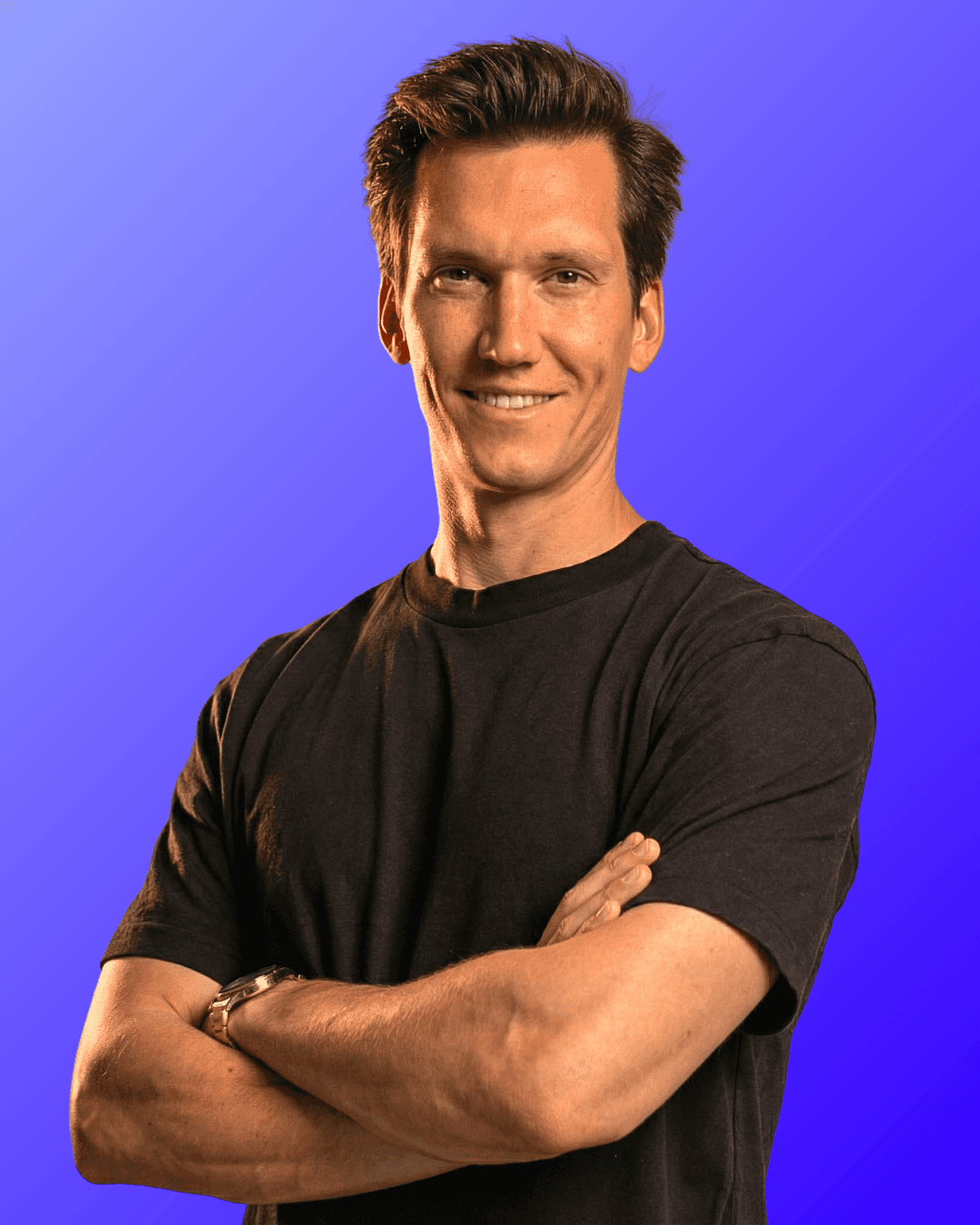
I’m Sander, your PowerPoint expert.
I’m a Microsoft PowerPoint MVP with over 10 years of experience, having created 10,000+ professional slides and built presentation systems for companies ranging from small teams to global organizations.
Through my work, trainings, and YouTube content reaching millions, I’ve seen the same problem everywhere: professionals waste hours fixing slides instead of focusing on their message.
The solution is simple.
1. Build a strong Slide Master foundation so PowerPoint works for you.
2. Design clear, impactful slides on top of it.
3. Deliver with confidence using animations and transitions that guide attention.
This is the approach I teach to professionals all around the world to truly master PowerPoint.
These courses bring everything together so you can work faster, stay consistent, and create presentations that look professional and perform flawlessly.