

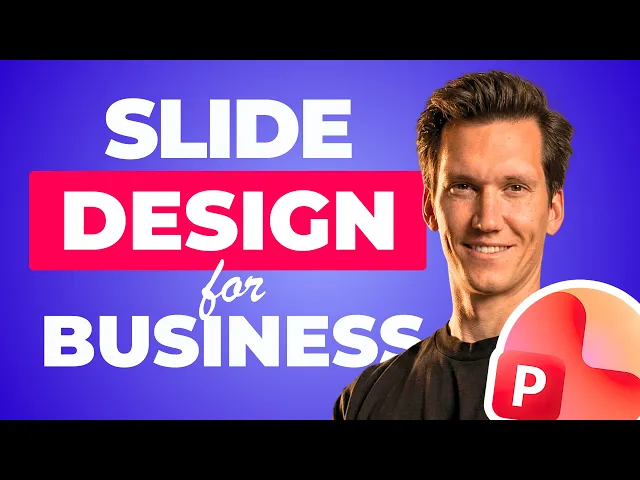
How to make impactful slides
Learn how to design professional slides that support your message.
Total Lessons
26 Lessons
Total Lessons
26 Lessons
Total Lessons
26 Lessons
Course duration
5+ hours
Course duration
5+ hours
Course duration
5+ hours
Skills required
PPT basics
Skills required
PPT basics
Skills required
PPT basics

Real-world examples
Learn how industry leading companies make their slides.
Real-world examples
Learn how industry leading companies make their slides.
Real-world examples
Learn how industry leading companies make their slides.
Lifetime Access
Enroll once and get unlimited access to all course updates and content for life.
Lifetime Access
Enroll once and get unlimited access to all course updates and content for life.
Lifetime Access
Enroll once and get unlimited access to all course updates and content for life.
Quarterly updates
Stay on top of the latest design trends so you can stand out.
Quarterly updates
Stay on top of the latest design trends so you can stand out.
Quarterly updates
Stay on top of the latest design trends so you can stand out.
The Curriculum
Module 01 - High Quality visuals
After this module, you’ll know where professionals source high-quality visuals and how to turn your products and services into campaign-ready visuals using AI.
Finding visuals
Integrating visuals
Removing backgrounds
Icons
Design elements
Mockups
Frames
Controlling your images
Module 02 - Slide Design Principles
In this chapter you'll master the design principles that make or break slides. Once you see it, you'll never make mistakes again.
Consistency
Contrast
Proximity
Repetition
Visual Hierarchy
Alignment
Balance
Whitespace
Typography
Bonus - Real world case studies
Coming soon - Real world analysis & case studies.
Breakdowns & build-ups of high quality slides to learn how the biggest companies do it.
Module 03 - Advanced Design Techniques
In this module we'll master advanced design techniques so you can amplify your message.
Slide layouts
Avoiding bullet points
Focal points
Bento design
Pushing the boundaries
Visual metaphors
Controlling with animations
Breaking the rules
Module 01 - High Quality visuals
After this module, you’ll know where professionals source high-quality visuals and how to turn your products and services into campaign-ready visuals using AI.
Finding visuals
Integrating visuals
Removing backgrounds
Icons
Design elements
Mockups
Frames
Controlling your images
Module 02 - Slide Design Principles
In this chapter you'll master the design principles that make or break slides. Once you see it, you'll never make mistakes again.
Consistency
Contrast
Proximity
Repetition
Visual Hierarchy
Alignment
Balance
Whitespace
Typography
Bonus - Real world case studies
Coming soon - Real world analysis & case studies.
Breakdowns & build-ups of high quality slides to learn how the biggest companies do it.
Module 03 - Advanced Design Techniques
In this module we'll master advanced design techniques so you can amplify your message.
Slide layouts
Avoiding bullet points
Focal points
Bento design
Pushing the boundaries
Visual metaphors
Controlling with animations
Breaking the rules
Module 01 - High Quality visuals
After this module, you’ll know where professionals source high-quality visuals and how to turn your products and services into campaign-ready visuals using AI.
Finding visuals
Integrating visuals
Removing backgrounds
Icons
Design elements
Mockups
Frames
Controlling your images
Module 02 - Slide Design Principles
In this chapter you'll master the design principles that make or break slides. Once you see it, you'll never make mistakes again.
Consistency
Contrast
Proximity
Repetition
Visual Hierarchy
Alignment
Balance
Whitespace
Typography
Bonus - Real world case studies
Coming soon - Real world analysis & case studies.
Breakdowns & build-ups of high quality slides to learn how the biggest companies do it.
Module 03 - Advanced Design Techniques
In this module we'll master advanced design techniques so you can amplify your message.
Slide layouts
Avoiding bullet points
Focal points
Bento design
Pushing the boundaries
Visual metaphors
Controlling with animations
Breaking the rules
*The program is designed for self-paced learning. You can study whenever it suits you and always reach out to the mentor with any questions you may have.
The benefits
The benefits
The benefits
Make impactful slides that communicate your message with clarity & confidence.
Have an impact
Have an impact
Have an impact
Communicate clearly
Communicate clearly
Communicate clearly
Present with confidence
Spot how to fix your slides
Look professional
Look professional
Look professional
Slides that support you
Stop confusing people
Design with purpose

Design with purpose
Design with purpose


Who am I?
Who am I?
Who am I?
I’m Sander, your Presentation expert.
As a Microsoft PowerPoint MVP, I work with PowerPoint daily. I’ve created hundreds of tutorials and helped millions of professionals improve how they design slides.
Everything in this course comes from real-world use, not just design theory.
Slide Design is the key to making impactful slides.
As a Microsoft PowerPoint MVP, I work with PowerPoint daily. I’ve created hundreds of tutorials and helped millions of professionals improve how they design slides.
Everything in this course comes from real-world use, not just design theory.
Slide Design is the key to making impactful slides.


The reviews
Don't just take it from me, listen to the students of my program!
It has been a fantastic experience learning through your course so far. I’ve completed around 70% of the content, and I must say I’ve gained a great deal of insight and knowledge already. Thank you for that.
Chirag M.
It has been a fantastic experience learning through your course so far. I’ve completed around 70% of the content, and I must say I’ve gained a great deal of insight and knowledge already. Thank you for that.
Chirag M.
It has been a fantastic experience learning through your course so far. I’ve completed around 70% of the content, and I must say I’ve gained a great deal of insight and knowledge already. Thank you for that.
Chirag M.
Your products are absolutely excellent!
Larry L.
Your products are absolutely excellent!
Larry L.
Your products are absolutely excellent!
Larry L.
For me, the content is perfect! Exactly what I've been missing. And it matches perfect to my level.
André R.
For me, the content is perfect! Exactly what I've been missing. And it matches perfect to my level.
André R.
For me, the content is perfect! Exactly what I've been missing. And it matches perfect to my level.
André R.
The course has been incredibly helpful. I’ve learned a lot, even though I consider myself fairly experienced in creating PowerPoint presentations
Mohamed S.
The course has been incredibly helpful. I’ve learned a lot, even though I consider myself fairly experienced in creating PowerPoint presentations
Mohamed S.
The course has been incredibly helpful. I’ve learned a lot, even though I consider myself fairly experienced in creating PowerPoint presentations
Mohamed S.
Working with Sander completely changed how I view PowerPoint. I had never thought of making slides this way before.
Juan M.
Working with Sander completely changed how I view PowerPoint. I had never thought of making slides this way before.
Juan M.
Working with Sander completely changed how I view PowerPoint. I had never thought of making slides this way before.
Juan M.
I just wanted to say how much I truly love it after having played around. The experience was absolutely incredible… I’m really glad I came across you!
Marco C.
I just wanted to say how much I truly love it after having played around. The experience was absolutely incredible… I’m really glad I came across you!
Marco C.
I just wanted to say how much I truly love it after having played around. The experience was absolutely incredible… I’m really glad I came across you!
Marco C.
Thank you for this amazing course. It has improved not only my slides but also my general communucation skills. Highly recommend to anyone who wants to improve his or her presentation skills.
John S.
Thank you for this amazing course. It has improved not only my slides but also my general communucation skills. Highly recommend to anyone who wants to improve his or her presentation skills.
John S.
Thank you for this amazing course. It has improved not only my slides but also my general communucation skills. Highly recommend to anyone who wants to improve his or her presentation skills.
John S.
I can't wait to use this whole new world of PowerPoint knowledge!
Diana V.
I can't wait to use this whole new world of PowerPoint knowledge!
Diana V.
I can't wait to use this whole new world of PowerPoint knowledge!
Diana V.
Amazing how efficient work in PowerPoint can be!
Sabine S.
Amazing how efficient work in PowerPoint can be!
Sabine S.
Amazing how efficient work in PowerPoint can be!
Sabine S.
What will you master in this program?
After this course, you will know exactly how to turn your content into impactful slides.
Eye for Design
You'll know exactly how to turn boring slides into impactful ones. Train your eye to spot weaknesses & upgrade slides instantly.
Eye for Design
You'll know exactly how to turn boring slides into impactful ones. Train your eye to spot weaknesses & upgrade slides instantly.
Eye for Design
You'll know exactly how to turn boring slides into impactful ones. Train your eye to spot weaknesses & upgrade slides instantly.
Design Principles
Master the rules professionals use and apply them effortlessly to every slide, even as a non-designer.
Design Principles
Master the rules professionals use and apply them effortlessly to every slide, even as a non-designer.
Design Principles
Master the rules professionals use and apply them effortlessly to every slide, even as a non-designer.
Timeless Skills
Build design instincts that last a lifetime. In the age of AI, you need to master the fundamentals to steer AI, or get left behind.
Timeless Skills
Build design instincts that last a lifetime. In the age of AI, you need to master the fundamentals to steer AI, or get left behind.
Timeless Skills
Build design instincts that last a lifetime. In the age of AI, you need to master the fundamentals to steer AI, or get left behind.
Creating image with AI
Breaking the Rules
Alignment
Visual Hierarchy
Repetition
Proximity
Contrast
Control with Animations
Visual Metaphors
Push the Boundaries
Extending Slides
Focal Points
Typography
Design Elements
Editing images
Frames
Mockups
Slide Layouts
Avoiding Bullet Points
Whitespace
Balance
Design Elements
Icons
Backgrounds
Consistency
Visuals
Pricing
One payment, lifetime access
25+ video classes
Design Principles
Direct feedback options
Corporate case studies
Design Techniques
Make Impactful Slides
Macbook compatible
+5 hours of video content
Using A.I. in slide design
€ 289
Pricing
One payment, lifetime access
25+ video classes
Slide Master Theory
Direct feedback options
Corporate case studies
Template Building
10x your efficiency
Macbook compatible
+6 hours of video content
Ultimate Template incl. (€199)
€ 749
Pricing
One payment, lifetime access
25+ video classes
Slide Master Theory
Direct feedback options
Corporate case studies
Template Building
10x your efficiency
Macbook compatible
+6 hours of video content
Ultimate Template incl. (€199)
€ 749
Pricing
One payment, lifetime access
25+ video classes
Slide Master Theory
Direct feedback options
Corporate case studies
Template Building
10x your efficiency
Macbook compatible
+6 hours of video content
Ultimate Template incl. (€199)
€ 749
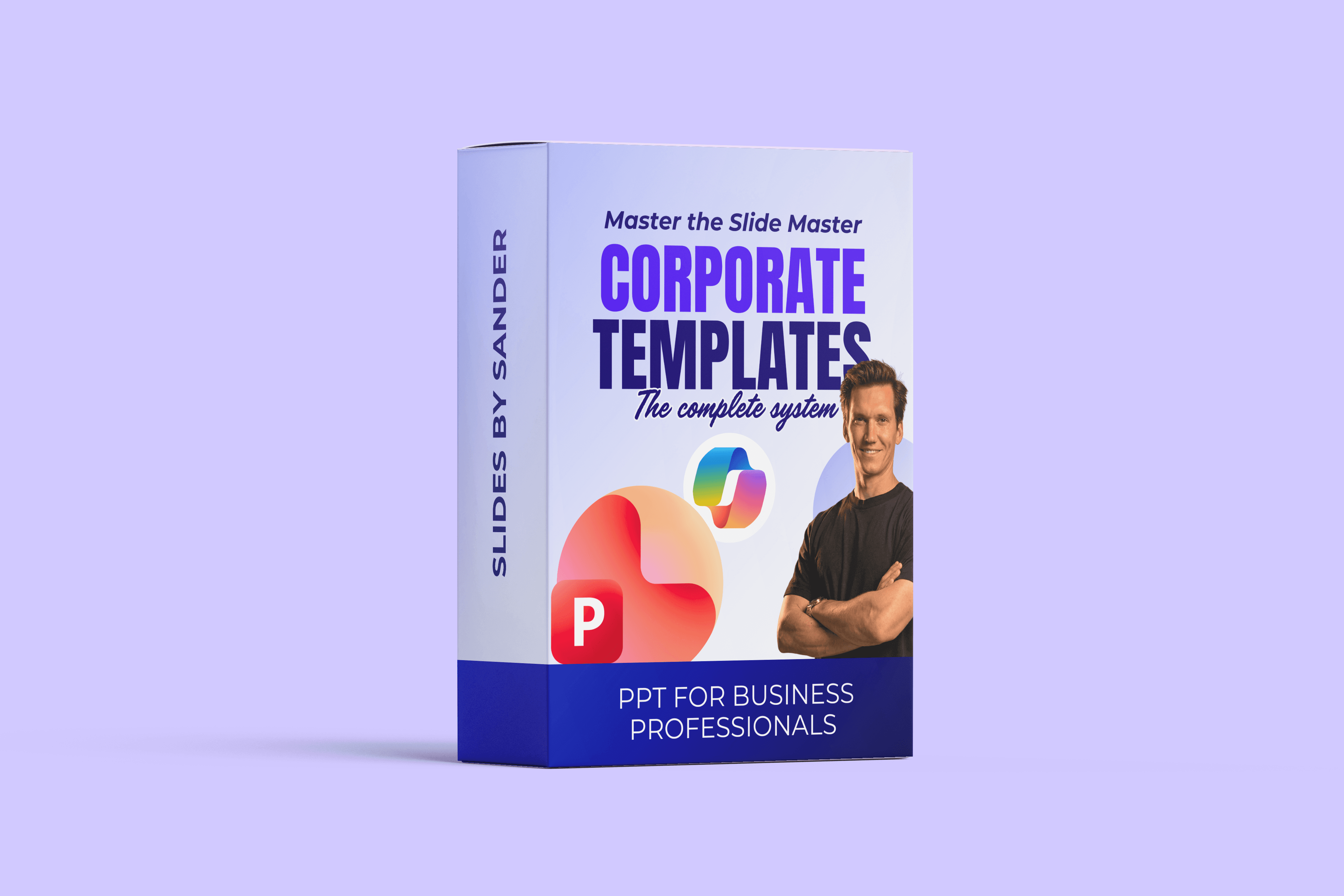
Slide Master
Slide Master
Slide Master
FAQ Slide Master
Is this course for beginners?
This course is best for people who have already used PowerPoint before. A basic understanding of PowerPoint helps, you don’t need to be an expert.
Is this course Mac compatible?
Yes. Everything in this course applies to both Windows and Mac. I work on a MacBook myself and explain how to overcome limitations that may not be obvious at first.
How long is the course?
The course includes around 5 hours of video content. Lessons are split into bite-sized chunks, so you can work at your own pace and apply what you learn immediately.
What format is the course?
Video lessons with practical downloads, including a professional template you can use and study.
What is the price?
The program is priced at €289.
Do I get lifetime access?
Yes. You get lifetime access, including all future updates.
Is this applicable to my industry?
Yes. You’ll learn how to build expert-level slides that are applicable to any industry. During the program I will show many examples of how the techniques are used in all kinds of industries.
Is this course for beginners?
This course is best for people who have already used PowerPoint before. A basic understanding of PowerPoint helps, you don’t need to be an expert.
Is this course Mac compatible?
Yes. Everything in this course applies to both Windows and Mac. I work on a MacBook myself and explain how to overcome limitations that may not be obvious at first.
How long is the course?
The course includes around 5 hours of video content. Lessons are split into bite-sized chunks, so you can work at your own pace and apply what you learn immediately.
What format is the course?
Video lessons with practical downloads, including a professional template you can use and study.
What is the price?
The program is priced at €289.
Do I get lifetime access?
Yes. You get lifetime access, including all future updates.
Is this applicable to my industry?
Yes. You’ll learn how to build expert-level slides that are applicable to any industry. During the program I will show many examples of how the techniques are used in all kinds of industries.
Is this course for beginners?
This course is best for people who have already used PowerPoint before. A basic understanding of PowerPoint helps, you don’t need to be an expert.
Is this course Mac compatible?
Yes. Everything in this course applies to both Windows and Mac. I work on a MacBook myself and explain how to overcome limitations that may not be obvious at first.
How long is the course?
The course includes around 5 hours of video content. Lessons are split into bite-sized chunks, so you can work at your own pace and apply what you learn immediately.
What format is the course?
Video lessons with practical downloads, including a professional template you can use and study.
What is the price?
The program is priced at €289.
Do I get lifetime access?
Yes. You get lifetime access, including all future updates.
Is this applicable to my industry?
Yes. You’ll learn how to build expert-level slides that are applicable to any industry. During the program I will show many examples of how the techniques are used in all kinds of industries.