What People get Wrong about PPT
Feb 10, 2026
Stop Designing Slides Manually (Do This Instead)
Here is the brutal truth about how most people use PowerPoint: They start with the design first.
You randomly add images, text boxes, icons and maybe even slides from another deck. It feels productive for about five minutes. But before you know it, you lose control. Your entire deck becomes a mess of misaligned text boxes, images, and styles.
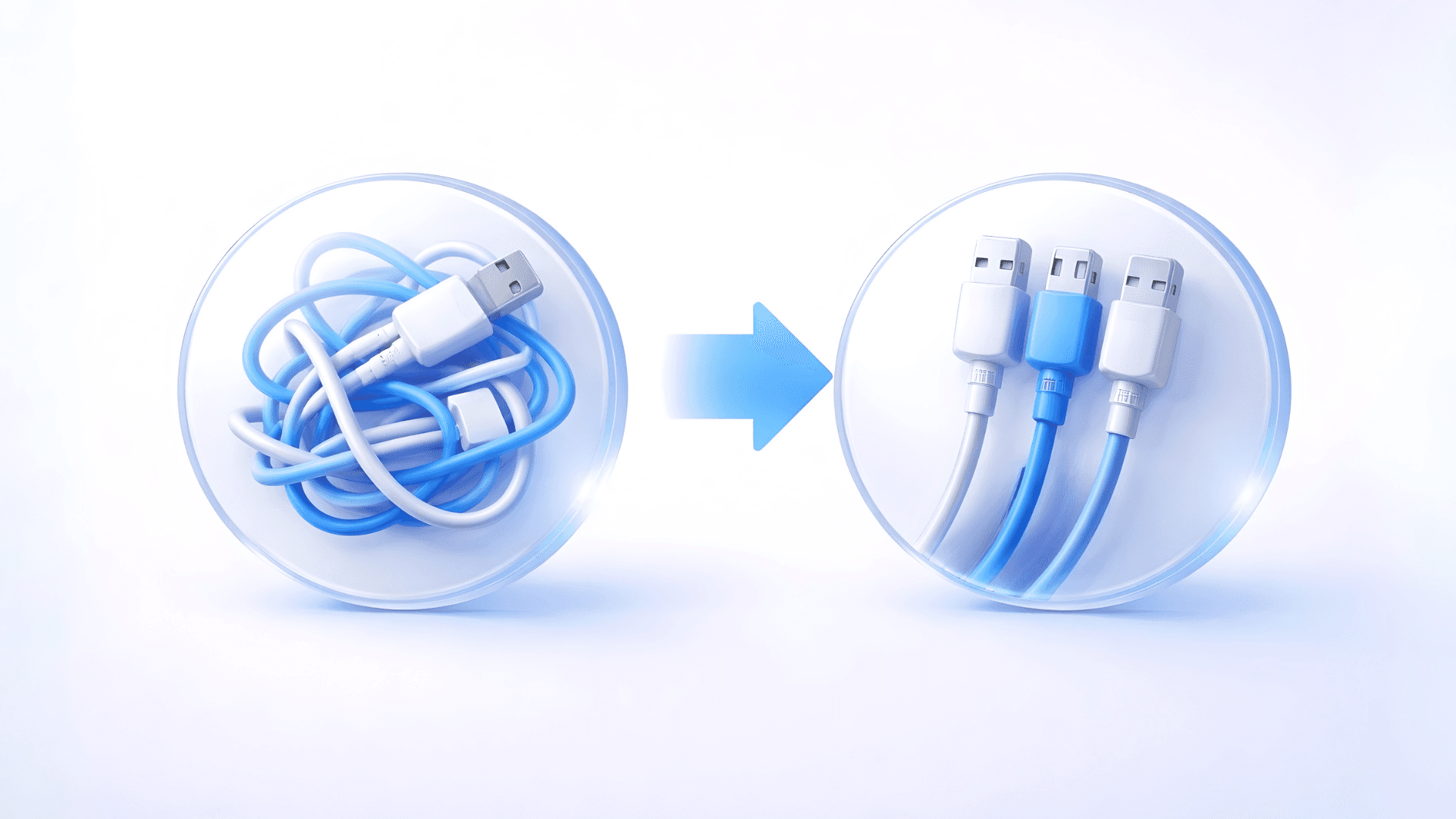
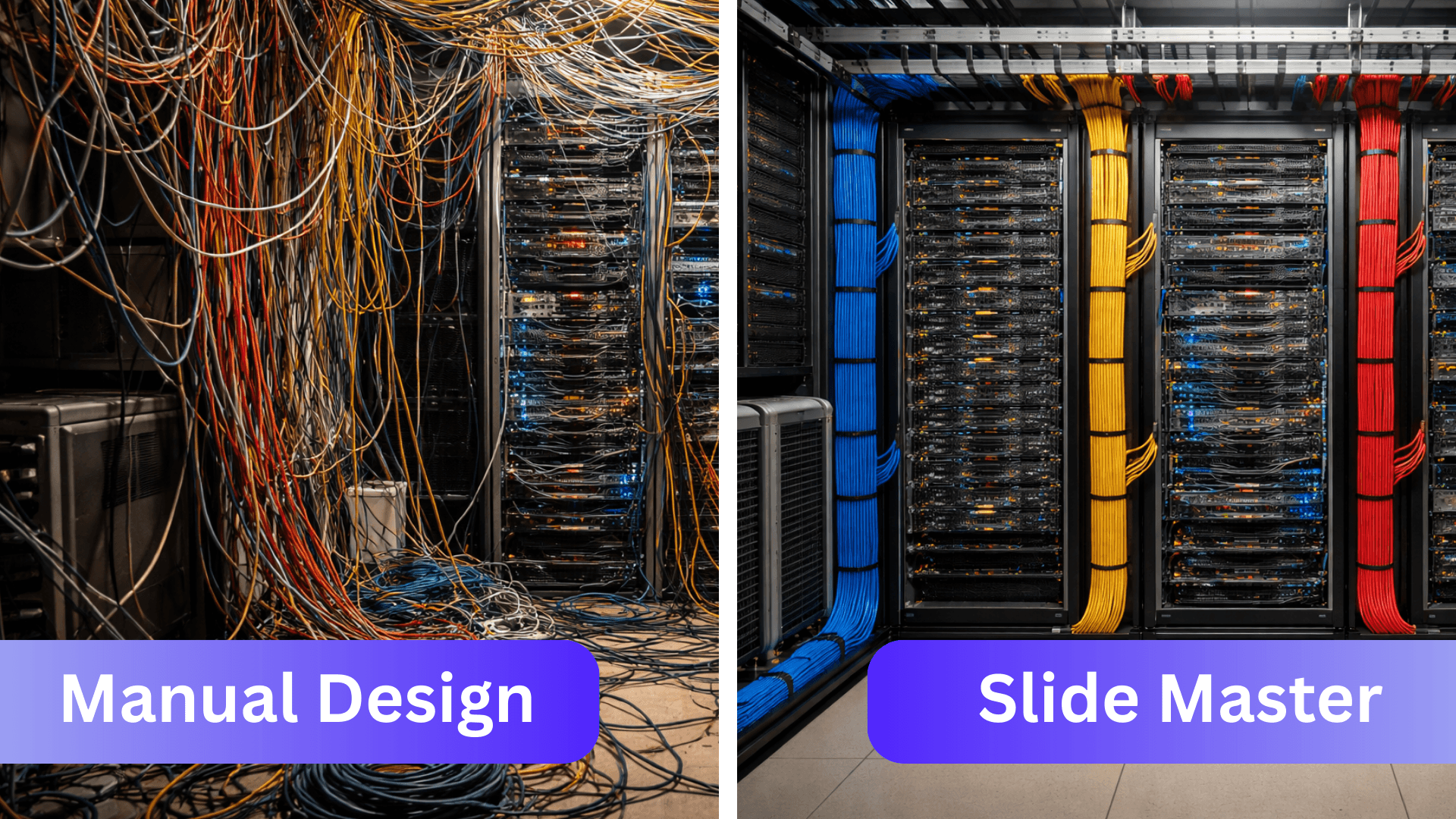
If we looked at your presentation from a technical standpoint, it would look like a server room with cables tangled everywhere. Why? Because behind the scenes, there is no structure. There is no design system. There is no Slide Master doing the work for you.
This is why people say “PowerPoint is boring”. Because working like this is time consuming.
If you are tired of manually tweaking every single slide, it’s time to stop designing and start building a system.
The High Cost of Manual Design
When you treat every slide as a blank canvas, everything requires manual effort.
Want to change a font? You have to click through every slide.
Adding a new bullet point? Suddenly, your entire layout breaks, and you spend 10 minutes just reshuffling text boxes to make it fit.
Need to move a logo? You’re shifting it pixel by pixel on 20 different pages.
This is the "struggle" of PowerPoint. You are trying to make the slide look nice, but the slide isn't working with you.
Build a "Backend" for Your Slides
Imagine if your PowerPoint was set up like a well-organized database instead of a messy desk.
When you build a proper system (using the Slide Master), the "backend" of your presentation is structured. The front end might look exactly the same to your audience, but for you, the creator, the experience is completely different.
With a proper system in place:
Adjustments are automatic: If you want to add an extra talking point, you don't reshuffle boxes. You just click, and the layout adjusts automatically to accommodate the new text.
Global changes are Instant: Want to change the lay-out and/or color? You do it once in the system, and it updates across the deck.
You’ll be able to focus on your content. PowerPoint will be doing the heavy lifting of alignment and design. You get your time back to focus on what truly matters, your message.
Why We Get This Wrong
It’s not your fault that you design manually. Most of us never received formal training in PowerPoint.
We were either thrown into it at school (where we used the craziest origami effects) or we picked it up in the workforce by copying and pasting from old, broken decks. We learned to survive in PowerPoint, but we never learned the foundations of how the software actually thinks.
The Future is Structured (And AI-Ready)
If you work in a professional environment, you don't need another "design trick." You need a backbone for your presentations.
This is even more critical as we enter the age of AI. Tools like Copilot and other AI presentation generators work based on the components PowerPoint uses. AI tools need structure and rules, especially if we want them to fit our corporate guidelines.
If your deck is a mess of manual text boxes, AI can't help you. If your deck is built on a solid Slide Master foundation, you are future-proofing your workflow.
Ready to stop struggling and start building? Learn exactly how to set up this backbone for your specific industry and content, check out my Slide Master Program. I’ll teach you the foundations so you can stop wasting time and start designing slides that actually work.