Why you need a PowerPoint System
Jan 3, 2026
Why You Need a PowerPoint System (Not Better Slides)
Most professionals think their PowerPoint problem is design.
When slides don’t look right, people start tweaking. Moving, resizing, and aligning elements. Changing fonts and colors. Trying to make it look good enough. They end up spending more time fixing slides than working on their message.
While design helps, it only touches the surface.
Design is the tip of the iceberg.
The real problem sits underneath.
The real issue: most people work without a system
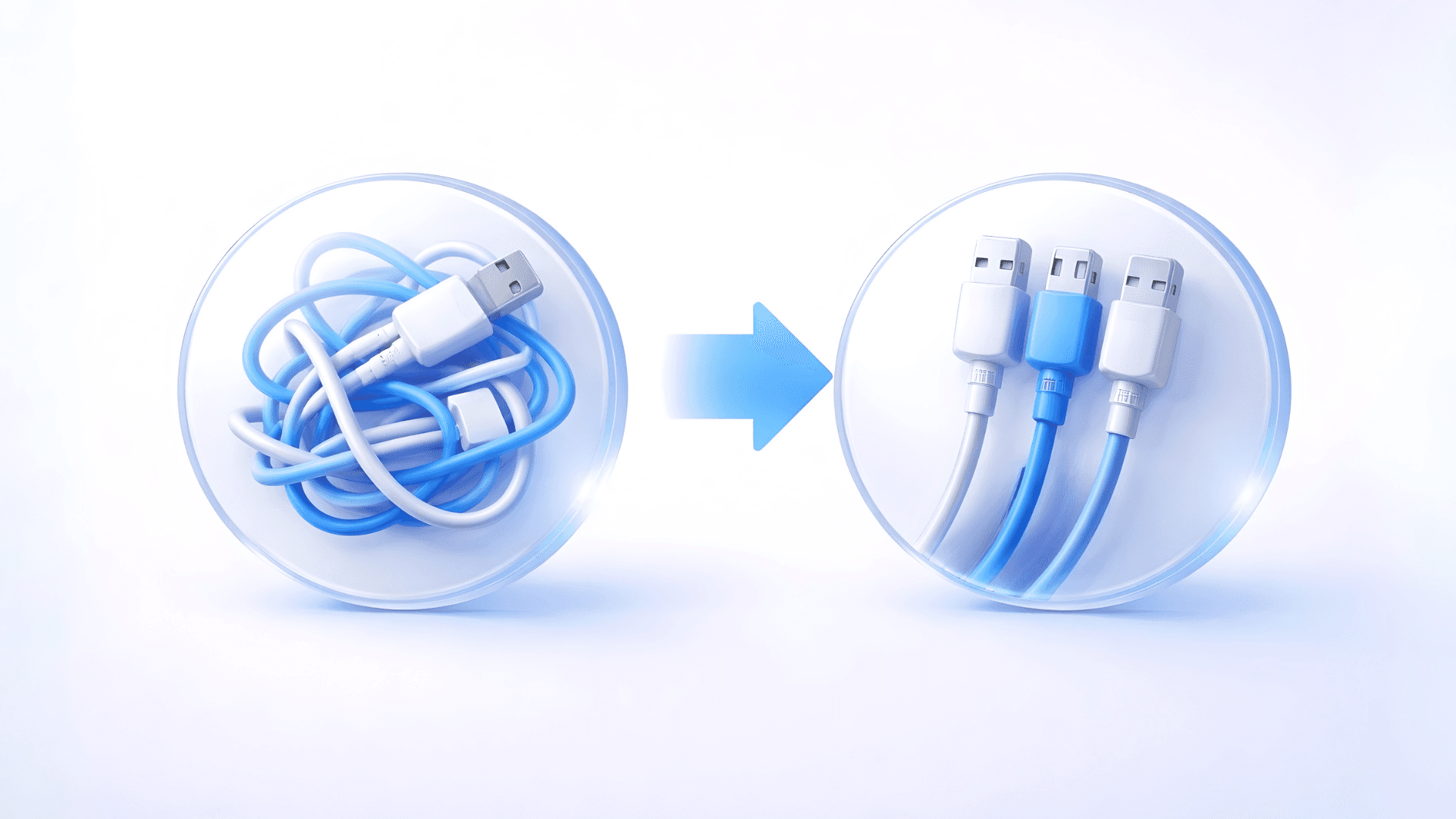
Working in PowerPoint without a system is like using Excel without formulas. You can do everything manually, but it is slow, fragile, and unnecessary. Every small change means fixing slides by hand instead of moving forward.
You resize and align objects by hand.
You copy and paste elements between slides.
You nudge content until it looks right.
You fix the same problems again and again.
This is where most of your time goes. Not into thinking or shaping your message, but into formatting.
That is not a skill issue.
It is a structural one.
A PowerPoint system replaces that manual work with structure, so layouts adapt automatically and the tool starts working for you instead of against you.
Who this actually matters for
This does not matter if you use PowerPoint once or twice a year.
It matters if PowerPoint is part of your job.
If you create decks weekly.
If presentations are reused, shared, or edited by others.
If you feel your corporate deck doesn't really create nice slides.
If consistency matters across teams or clients.
If small changes keep costing you more time than they should.
If that sounds familiar, then design alone will never fix the problem.
It prevents fragile decks
Most decks are fragile.
They look fine until someone asks for a change. Add one bullet point, replace a sentence, change the headline length, and suddenly the slide breaks. Everything shifts and you reshuffle content manually.
That happens because elements were placed freely instead of structurally.
A system uses real placeholders, not loose text boxes.
You can add content.
The layout adapts.
The slide does not fall apart.
It enables global updates and scale
Without a system, design and content are glued together.
Change a font.
Adjust a color.
Switch to dark mode.
You are now editing dozens of slides one by one.
With a system, design is separated from content. Fonts, colors, and styles live in one place. One change updates everything.
This is not just convenience.
This is how consistency scales.
It unlocks AI and Copilot properly
AI tools like Microsoft Copilot need structure to work well.
If your deck has no real layouts or placeholders, AI has nothing to work with. The result is generic, messy slides.
A PowerPoint system gives AI a framework. Layouts exist. Rules are clear.
Copilot stops guessing.
It starts filling professional slides.
The real transformation
The biggest shift is not visual.
You stop fixing formatting. You start refining your message. PowerPoint stops being something you fight. It becomes something you rely on. That is what a PowerPoint system gives you.
If you want to learn how to build this properly, that is exactly what I teach inside 👉 PowerPoint Systems for Business. It is about creating a solid foundation once, so every presentation after that becomes easier, faster, and more consistent.
Stop fighting PowerPoint today, and build the system that is right for you 👉 Build your System today